
MEMORY
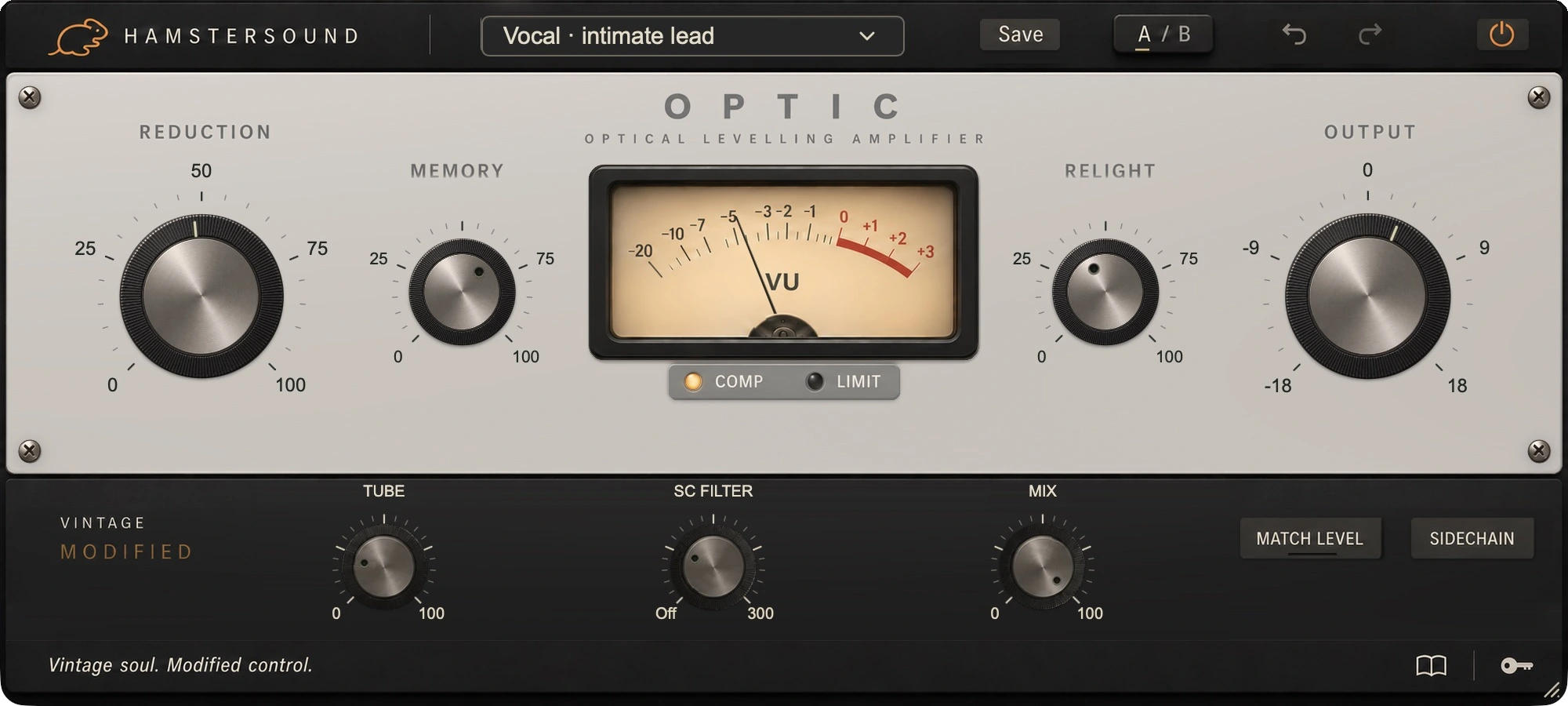
Reduction can linger after a long bass or vocal note. MEMORY sets that slow memory. Connect a legato line more strongly, or turn it down if the shorter notes that follow become too small.
Optical levelling compressor
OPTIC follows the optical levelling tradition: a response that changes with the length and strength of the notes. Use it to settle a vocal, bass or saxophone into the mix. Find your balance with REDUCTION and OUTPUT; MEMORY and RELIGHT refine how the next note arrives.
No iLok required
macOS · Apple Silicon + Intel
Optical levelling compressor
Classic optical compression has memory: a long, strong note can leave a longer impression than a short attack. That behaviour sits at OPTIC’s heart. Our aim is to support the performance with straightforward controls, from a softly sung line to a sustained bass part. There are no separate attack and release times to set.
VINTAGE MODIFIED
This is Vintage Modified: musical optical levelling, with MEMORY and RELIGHT to shape the transition between sustained notes and fresh attacks.
Reduction can linger after a long bass or vocal note. MEMORY sets that slow memory. Connect a legato line more strongly, or turn it down if the shorter notes that follow become too small.
When a new note follows a dip, RELIGHT can release part of the slow memory. Useful when a plucked bass note or the next vocal entry needs room again. The fast compression remains active.
COMP or LIMIT sets the compression curve. MEMORY and RELIGHT shape the history between notes. TUBE adds colour that stays more audible under heavy compression. Keep it low for gentle levelling, or bring more density to a vocal or bass line.
SOUND CHARACTER
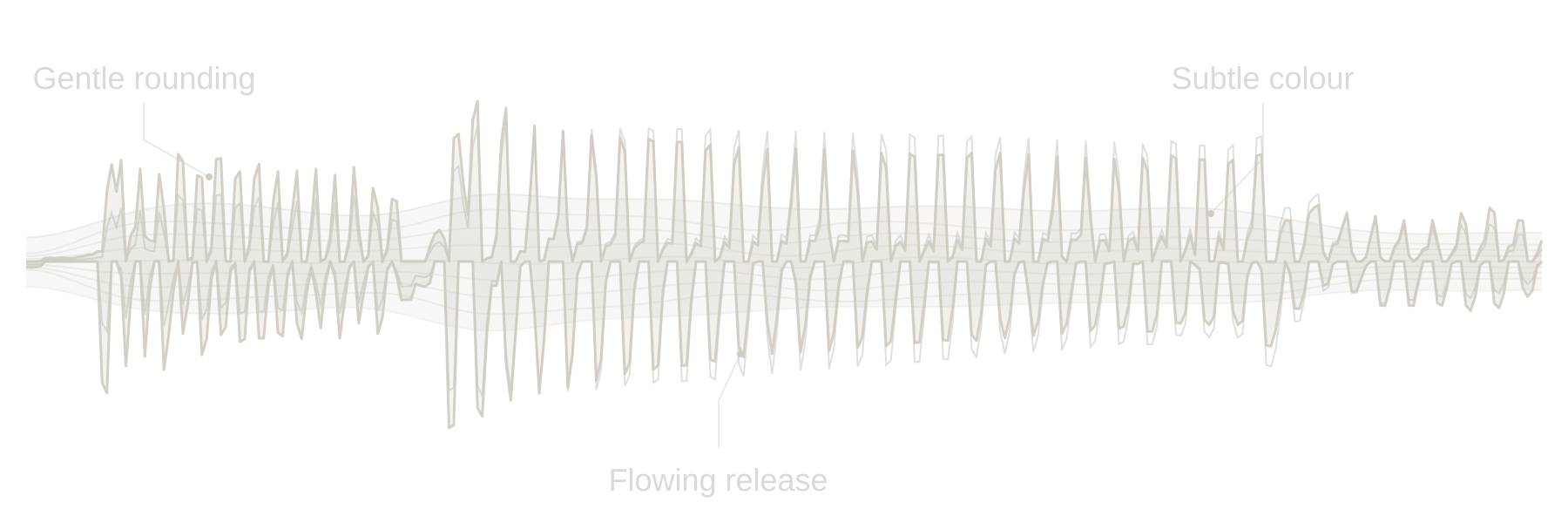
Catches level changes gradually and lets the performance breathe.
IN THE MIX
Catch larger differences between words and listen for the voice staying present without losing its breath. More MEMORY can connect a long phrase; less can leave room for the short phrase that follows.
On a mix of long and short plucked notes, MEMORY helps steady the line. Compare RELIGHT if the next pluck is held too far back by reduction left over from the previous note.
On fingerpicked parts, bring louder notes closer to the quieter ones. Start gently with REDUCTION and listen to the fingers and string attack. Use MIX if the part needs more of its direct onset.
A sustained note and a short entry do not always need the same response. Set MEMORY while the long notes play, then judge RELIGHT on fresh entries after a small breath.
Choose the movement in the full mix; set the amount to suit the recording.
IN YOUR SESSION
Start with COMP and little extra TUBE colour. Set REDUCTION in the mix, then judge MEMORY and RELIGHT on a passage with both long and short notes. Compare with Match Level and listen for the performance you want to preserve.
Match Level can compensate up to 48 dB of gain loss. After changing settings, let it learn again from five seconds of active audio. The bypass comparison now blends the complete matched signal with the time-aligned dry signal, fixing the temporary volume swell under heavy compression.
Exact values appear briefly in one fixed position at the bottom when you point to or adjust a control. You can still type a value directly and confirm it with Enter. The panel stays calm while you work.
Start with one of 30 presets grouped by application, then make it fit your track. The illustrated guide inside the plugin explains the controls with real interface images.
OPTIC / FAQ
About its sound, controls and the 14-day free demo.
OPTIC is a Vintage Modified optical levelling compressor. Its response changes with the length and strength of the notes. You work with REDUCTION and OUTPUT rather than separate attack and release times, bringing a part into balance while leaving room for the performance.
MEMORY controls how much slow compression history carries on after a strong or sustained note. RELIGHT can release part of that history when a new attack arrives after a pause. This lets you connect a legato bass line while giving the next pluck or vocal entry room.
No. COMP and LIMIT select different compression curves. LIMIT applies stronger compression, but it is not a brickwall limiter that guarantees an output ceiling. Set the output level separately and compare the processing with Match Level.
Try OPTIC when words or notes need to sit more steadily without deliberately reshaping every attack. It suits dynamic vocals, piano, acoustic guitar and bass. Use TUBE for extra colour and MIX when you want to retain more of the direct attack.
Yes. Create an account, download OPTIC and start the demo from the plugin through your account. You have 14 days to assess its sound and controls on your own tracks.
14-day free demoThe current OPTIC download is for macOS 11 or later, on Intel and Apple Silicon. AU and VST3 are included. Choose the format supported by your DAW.