
 macOS
 AU
 VST3
 Windows
 CLAP
Choose your step
In Settings, choose one symmetric step from 0.1 to 6 dB. Start small for a fine balance decision; choose a larger step when you need a clearer contrast.
TONE UTILITY
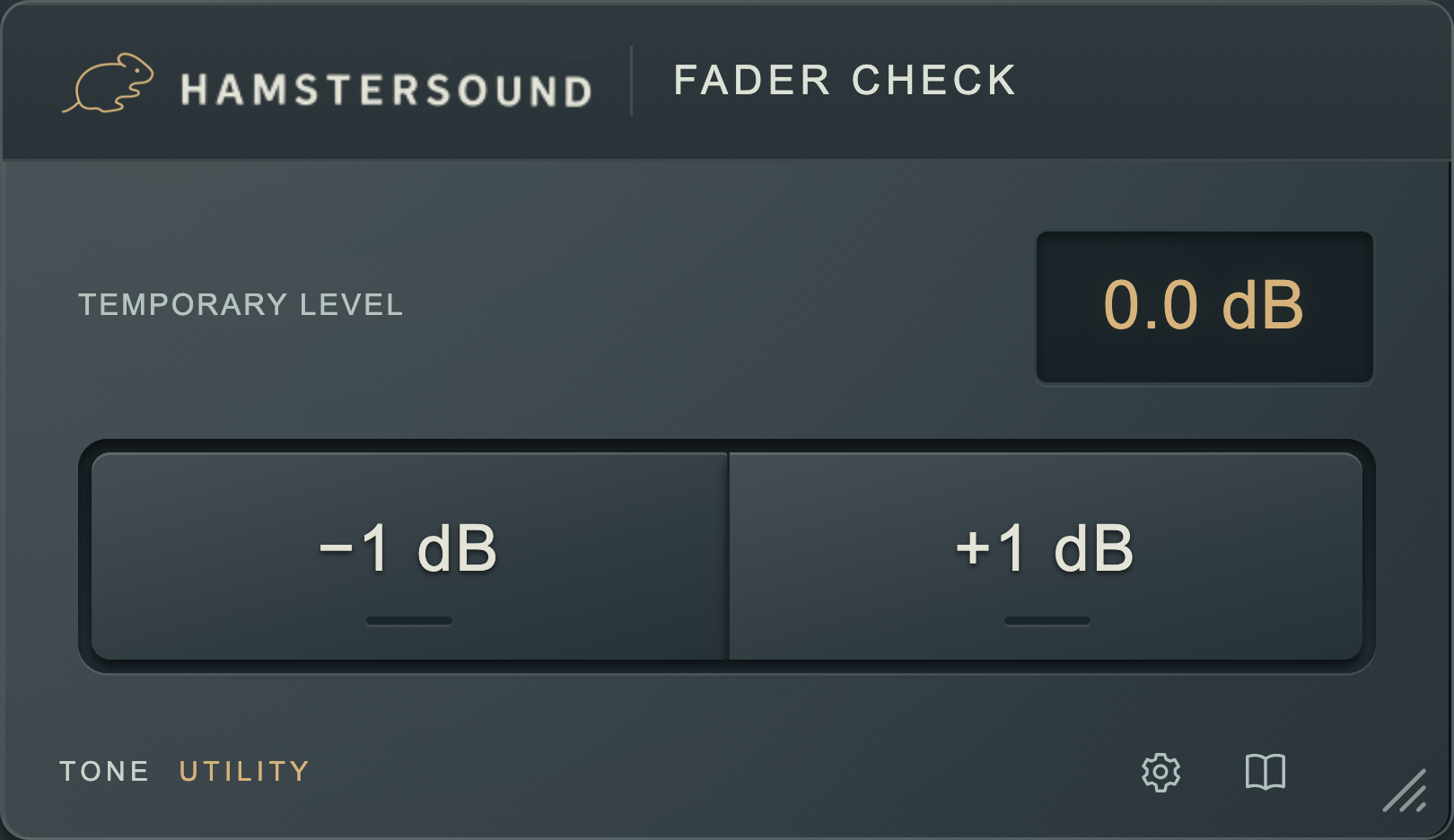
Hold minus or plus for a temporary quieter or louder audition. Release to hear the original level again. A quick check for the vocal, bass or bus you are unsure about.
No iLok or activation key. No added latency.
LISTEN & DECIDE
A small level change gives you another perspective on the same part. Put FADER CHECK on your vocal bus: hold minus and hear whether the words still carry through the mix. With plus, judge whether the part can take more attention. Release and you are back at your original balance.
In Settings, choose one symmetric step from 0.1 to 6 dB. Start small for a fine balance decision; choose a larger step when you need a clearer contrast.
The temporary gain change is stereo linked. Change the level while keeping both channels together.
The buttons act only while held. Your step size is saved with the session. No added latency.
IN YOUR SESSION
Hear whether a quiet vocal line, sax solo or piano melody still comes through the other instruments.
Use a small step to judge whether the foundation carries the track or draws too much attention.
Listen for the place of an electric guitar or a full drum group without losing your fader position.
FADER CHECK / FAQ
About the workflow and your free download.
FADER CHECK lets you temporarily listen a chosen step quieter or louder. Hold minus or plus, then release to return straight to the original level. This lets you assess a part without losing your fader position.
Yes. In Settings, choose a symmetrical step from 0.1 to 6 dB. Start small for a subtle balance check, for example on a vocal bus or piano melody. The selected step size is saved with your session.
Try it on vocals, a sax solo, kick, bass, guitar or a whole drum bus. Listen quieter to hear whether a melody still reads. Listen slightly louder to judge whether a part can carry more attention, then release to hear your starting point again.
The temporary gain change is stereo linked: left and right change together. FADER CHECK adds no latency. It is a level check; you are not changing EQ or compression settings.
FADER CHECK is free. Create a free account and confirm your email address to download it. The plugin itself does not require an activation key or iLok.
Yes. The macOS download includes AU and VST3. The Windows x64 download includes CLAP and VST3. Choose the installer for your system and use a plugin format supported by your DAW.