
 macOS
 AU
 VST3
 Windows
 CLAP
A listening memory for your hardware
Your equipment does not need to store its previous setting. ANALOG A/B captures the sound of one loop while you keep adjusting your gear. Compare the sound; hardware settings are not recalled.
TONE UTILITY
Keep the sound of your analog chain before an adjustment. Turn your EQ, compressor or other outboard controls and compare the new sound directly with the captured loop. Add an A/B function to equipment that does not have one. It also works with digital hardware and plugins.
No iLok or activation key. No added latency.
LISTEN & DECIDE
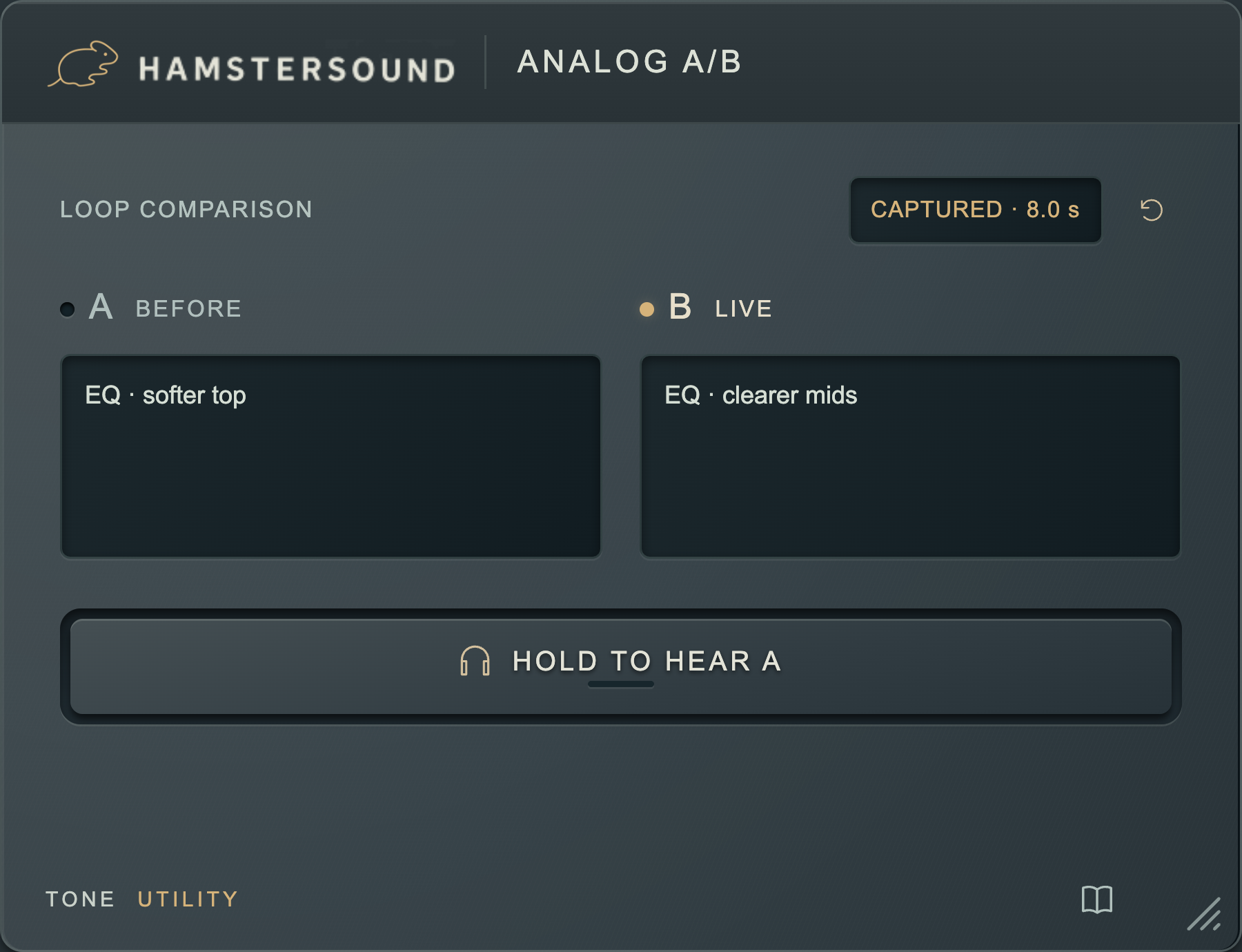
Your vocal runs through an analog EQ and compressor. You change the midrange and release. Is the voice smoother and more open? Put ANALOG A/B after the hardware return in your DAW and capture a complete loop as A. Hear your next setting live as B. Hold the audition button to hear the earlier sound at the same loop position. Release to listen live again.
Your equipment does not need to store its previous setting. ANALOG A/B captures the sound of one loop while you keep adjusting your gear. Compare the sound; hardware settings are not recalled.
A vocal phrase, guitar chord or drum fill returns at the same loop position. Hear what your change does to attack, sustain and balance. ANALOG A/B does not automatically match loudness; pay attention to level too.
Use the same workflow with digital hardware or a chain of plugins. Put ANALOG A/B after the processing you want to assess. Short A and B notes help you remember what you changed.
IN YOUR SESSION
Capture a vocal phrase before adjusting your hardware EQ or compressor further. Compare what changes in consonants, warmth and space around the voice.
Change the attack and release on your bus compressor. Compare the earlier sound with live B and hear what happens to the kick, snare and movement of the drum group.
Compare another drive or EQ setting on bass or guitar. Assess digital processing the same way. Notes stay in your session; captured audio stays in RAM and needs recapturing after reopening.
ANALOG A/B / FAQ
About the workflow and your free download.
ANALOG A/B gives your outboard a listening memory. Capture the sound of a loop as A, change the settings on your hardware and hear the new setting live as B. You can revisit the earlier sound even when the equipment has no A/B memory of its own.
Place it after the hardware return or the digital processing you want to compare. Record a complete loop as A. Hold the listening button to hear A at the same loop position; release it to return to live B.
The plugin temporarily holds the loop audio in RAM, not the settings of your hardware. After reopening your session, record the loop again. Your short notes for A and B are saved with the session.
No. ANALOG A/B does not automatically match loudness. Watch the level when comparing a vocal EQ, bus compressor or drive so extra volume does not unintentionally decide the result. The plugin itself adds no latency.
ANALOG A/B is free. Create a free account and confirm your email address to download it. The plugin itself does not require an activation key or iLok.
Yes. The macOS download includes AU and VST3. The Windows x64 download includes CLAP and VST3. Choose the installer for your system and use a plugin format supported by your DAW.