
PHRASE

A long vocal note can influence what follows. PHRASE sets how much slow compression history remains: less for separate articulation, more for a connected line.
Vari-mu · tube character
BLOOM brings the sustained character of classic vari-mu tube compression to vocals, bass and keys. Settle stronger notes into the performance and make room for quieter detail. Shape the movement with INPUT and RECOVERY, then add warmth and grain with TUBE.
No iLok required
macOS · Apple Silicon + Intel
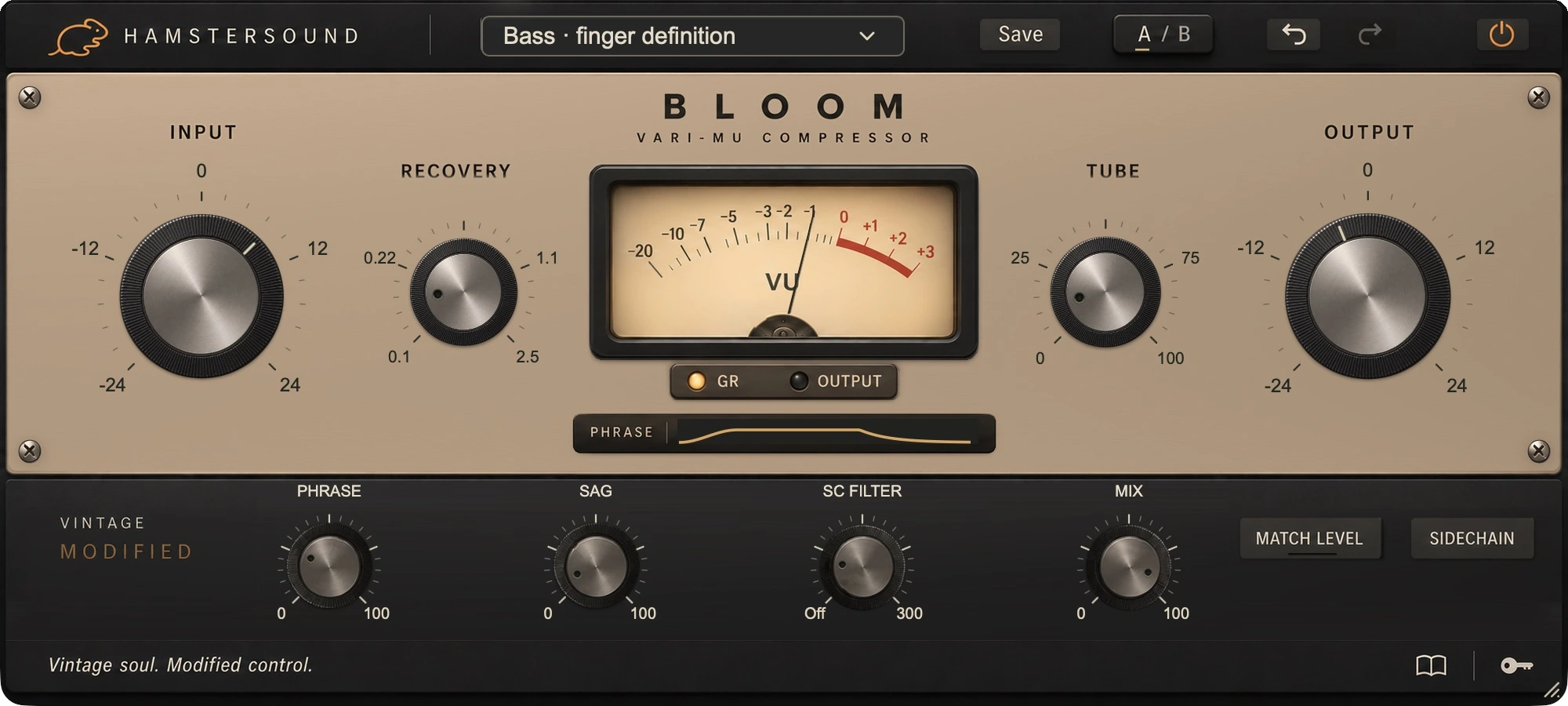
Vari-mu · tube character
Vari-mu compression comes from the tradition of tube amplifiers whose gain changes with the signal. BLOOM translates that heritage into a flowing, program-dependent response. Our aim is a part that sits more steadily in the mix while its breath, touch and note lengths still come through.
VINTAGE MODIFIED
This is Vintage Modified: fluid vari-mu character, with PHRASE, SAG and TUBE to shape the cohesion and colour of a performance.
A long vocal note can influence what follows. PHRASE sets how much slow compression history remains: less for separate articulation, more for a connected line.
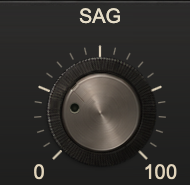
A firmly struck piano chord or a full bass note can colour differently from a quiet note. SAG lets that accumulated energy affect the colour stage. TUBE sets how much of it you hear.
RECOVERY sets the immediate recovery, PHRASE the longer connection. TUBE and SAG shape the added colour. Set the dynamics first, then decide how much character to introduce.
SOUND CHARACTER
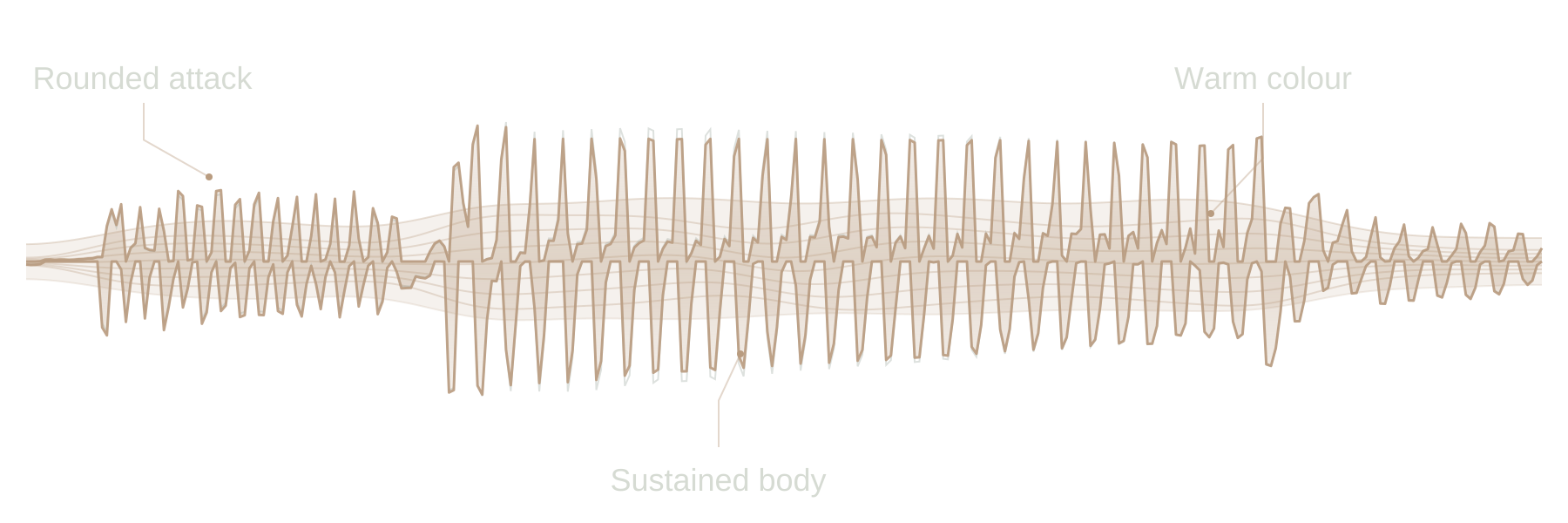
Rounds off peaks and gives the note a warm, sustained centre.
IN THE MIX
For a quiet verse and a loud chorus, set INPUT on the stronger passages and listen for quieter words staying with the phrase. Leave enough recovery for the next breath.
On a bass line with long notes, BLOOM can help the level flow more steadily. Reduce PHRASE if the short notes that follow fall too far back; add TUBE for greater tonal density.
Try BLOOM on a ballad or broadly played chords. Use RECOVERY to connect the sustain without making every hammer strike equally heavy. Blend back if the attack becomes too rounded.
A sustained melody needs its breath and phrasing. Start with gentle compression and listen to the end of each note. PHRASE helps you hold the line together or let it go.
Choose the movement in the full mix; set the amount to suit the recording.
IN YOUR SESSION
Start with little TUBE and find the reduction and recovery you want first. Use Match Level on a representative passage and compare with bypass. Add colour afterwards. Listen for the voice, bass or piano sitting more naturally among the other instruments.
Exact values appear briefly in one fixed position at the bottom when you point to or adjust a control. You can still type a value directly and confirm it with Enter. The panel stays calm while you work.
Start with one of 30 presets grouped by application, then make it fit your track. The illustrated guide inside the plugin explains the controls with real interface images.
BLOOM / FAQ
About its sound, controls and the 14-day free demo.
BLOOM is a Vintage Modified vari-mu compressor. Expect smooth, programme-sensitive compression with tube character: vocals, bass and keys gain cohesion while retaining the breath and movement of the performance. The dedicated PHRASE, SAG and TUBE controls let you shape that response and colour further.
Try BLOOM on vocals, electric bass, piano, Rhodes and synths when you want a part to sit more steadily in the mix. Sustained sax and horn parts also suit its smooth character. Start with gentle compression and set RECOVERY to follow the length of the notes and the space between them.
PHRASE controls how much of the slower compression history carries forward, moving from separate articulation towards a more continuous phrase. SAG lets accumulated signal energy influence the colour stage. TUBE sets the amount of additional tube colour. This lets you shape the dynamics and character independently for your part.
Use Match Level during a representative passage, then compare with bypass. It helps bring the processed level in line with the original part, making it easier to hear what the compression and colour are doing. Listen to steadiness, attack and note length rather than extra volume alone.
Yes. Create an account, download BLOOM and start the demo from the plugin through your account. You have 14 days to try its sound and controls in your own sessions.
14-day free demoThe current BLOOM download is for macOS 11 or later, on Intel and Apple Silicon. AU and VST3 formats are included. Use AU in an Audio Units-compatible host, or VST3 in a host that supports VST3.